Screen recorder comparison
The Best Screen Studio Alternatives for Mac & Windows (2026)
Compare the best Screen Studio alternatives for Mac and Windows in 2026, including auto-zoom, pricing, exports, privacy, and free options. Find your fit.
Quick decision
Find your Screen Studio alternative
Use this Screen Studio alternatives picker before reading the full comparison.
Which Screen Studio alternatives fit each workflow?
This Screen Studio alternatives guide starts with the deliverable: browser workflow, desktop capture, collaboration, open-source control, or license cost.
Privacy by default: MagniCursor records and processes data on your device. Content is uploaded only when you explicitly choose cloud sharing.
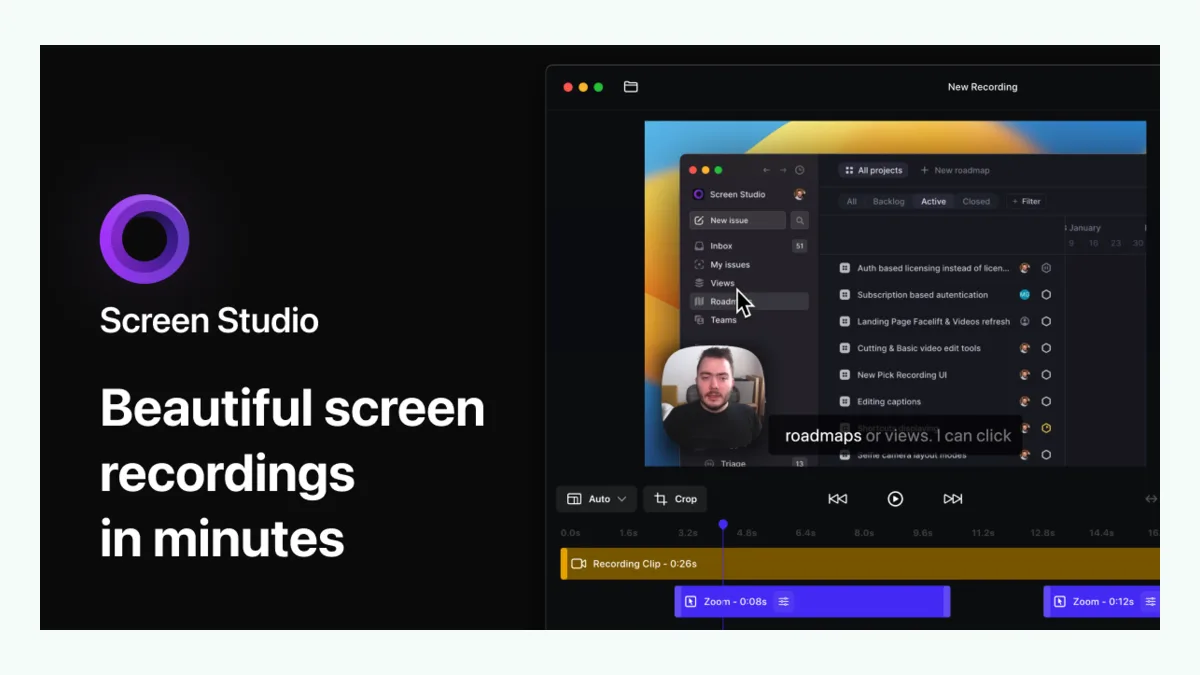
Screen Studio is an excellent Mac recorder, but Windows and Linux users need another tool. Teams that need reusable written instructions may also need more than a polished video.
The strongest Screen Studio alternatives cover six different jobs:
- MagniCursor for browser demos that should also become editable steps and narration;
- Cursorful for simple, locally rendered browser recordings with automatic zoom;
- FocuSee for automated desktop recording on Mac and Windows;
- Tella for hosted videos, collaboration, and sharing;
- Screenity for an open-source Chrome recorder with an optional cloud editor;
- OBS Studio for free, flexible desktop recording when automatic editing is not required.
There is no universal winner. Choose according to what you record, where processing happens, and what you need after recording.
Screen Studio alternatives compared
These Screen Studio alternatives and their published prices were checked against official product pages on September 2, 2026. Promotions and features can change. “No fixed limit” still depends on available storage, memory, browser behavior, and export time.
| Capability | MagniCursor | Cursorful | FocuSee | Tella | Screenity | OBS Studio |
|---|---|---|---|---|---|---|
| Platforms | Chrome on Mac, Windows, Linux | Chrome, Edge, Brave; Mac, Windows, Linux | Mac and Windows | Web, Chrome, Mac, Windows | Chrome extension and web editor | Mac, Windows, Linux |
| Recording scope | Browser workflows | Browser or desktop app | Desktop, screen and webcam | Screen, camera and clips | Tab, window, app or desktop | Desktop, windows, cameras and sources |
| Automatic zoom | Yes, based on browser actions | Yes, based on clicks | Yes | Yes | Yes with the editor | No built-in equivalent |
| Manual zoom control | Yes | Yes | Yes | Yes | Yes | Manual scene setup or plugins |
| Cursor effects | Highlighting and action-aware focus | Smooth cursor and click effects | Cursor animation and spotlight | Highlight and zoom tools | Spotlight, click effects and zoom | Requires setup or plugins |
| Camera and audio | Camera, microphone and system audio | Pro supports camera and microphone | Camera, microphone and system audio | Camera, microphone and system audio | Camera, microphone and system audio | Extensive source and audio mixing |
| Editing | Zoom, timing, steps, narration and video edits | Trim and edit zooms | Automated editing and annotation suite | Timeline, transcript, layout and AI editing | Multi-scene web editor | Production scenes; not a guided clip editor |
| Captions | Yes | Not a core published free feature | Automatic subtitles | Transcription and subtitle editing | Transcription and captions | Plugins or external workflow |
| 4K export | Yes | Pro | Yes, up to 4K/60fps | Up to 4K | Paid editor advertises 1080p | Configurable |
| GIF/MP4 | Yes | Video export in multiple ratios | Video export | Video, audio and GIF workflows | MP4; free extension also supports GIF/WebM | Configurable recording formats |
| Cloud sharing | Optional; upload only when selected | Planned cloud features; local by default | 5 GB included on listed plans | Core hosted sharing feature | Paid sharing service | No first-party hosted sharing |
| Processing model | Local unless cloud sharing is selected | Local offline rendering by default | Desktop app plus optional cloud/AI services | Cloud-oriented recording and sharing | Local free recorder; European cloud editor | Local |
| Watermark | No watermark | Plan-dependent commercial rights | Paid plans remove watermark | Branding depends on plan | Extension is free; hosted editor is paid | No watermark |
| Recording limit | No fixed product limit | Unlimited exports; device constraints apply | Officially no duration limit | Up to 6 hours per clip | Free recorder has no recording limit; editor plan lists 1 hour | No fixed product limit |
| Published price | $29 monthly or $108 yearly | Free non-commercial plan; Pro $79 one-time offer | $49.99/year Standard; $79.99/year Advanced; $199.99 lifetime for v2.x | Pro $13/month; Premium $19/month | Free recorder; editor $10/month billed yearly | Free and open source |
1. MagniCursor — best for browser workflows and reusable instructions
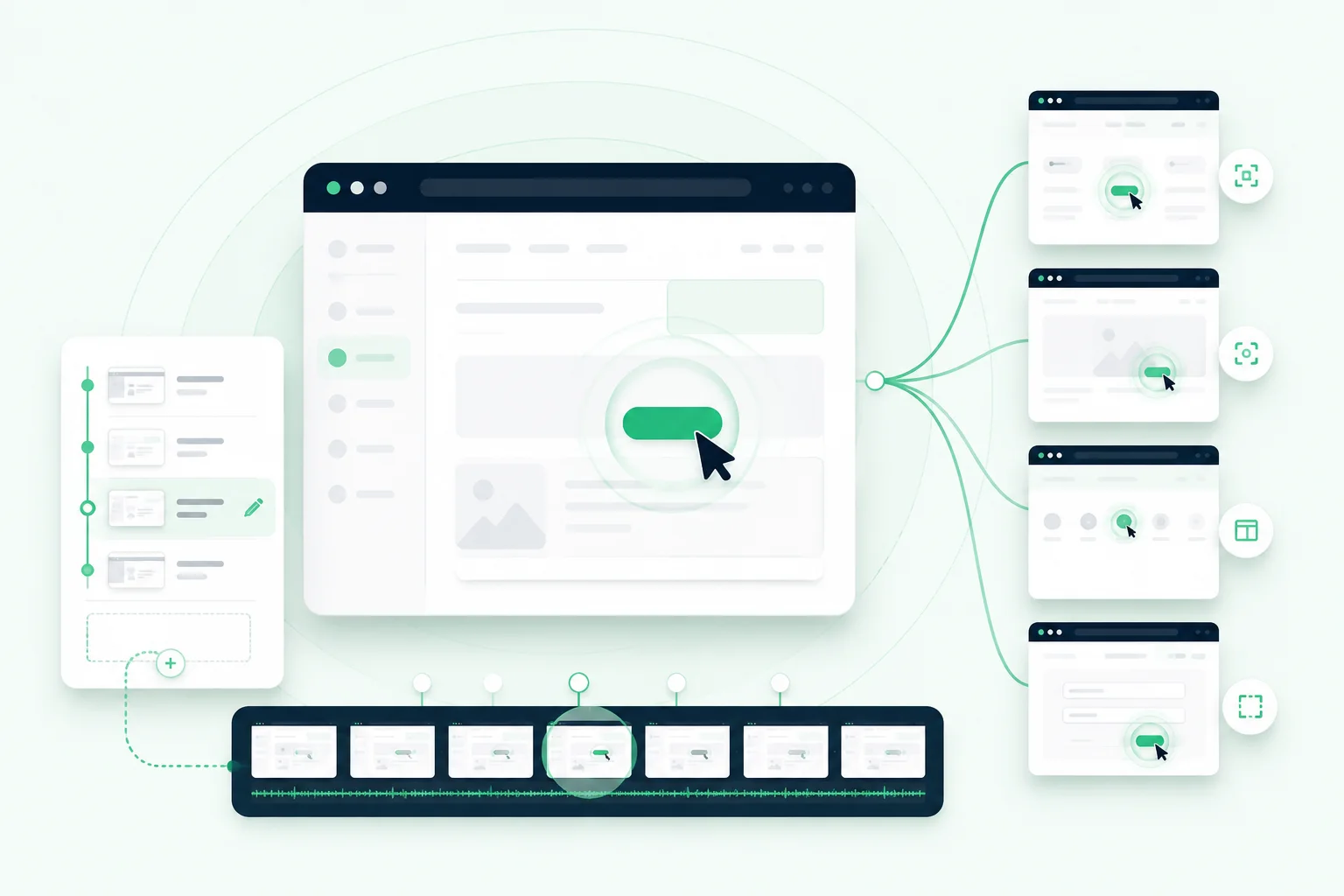
Among Screen Studio alternatives, MagniCursor is designed around browser actions rather than only pointer position. It uses clicks and page elements to frame automatic zooms and generate editable steps and narration.
It supports Chrome workflows on macOS, Windows, and Linux, with camera, audio, captions, cursor highlighting, manual zooms, 4K, GIF/MP4, and optional cloud sharing. Processing remains local unless the user chooses cloud sharing.
Choose it when a product demo must become both a video and a help-center-style written workflow. Do not choose it merely to save money: its published price matches Screen Studio at $29 monthly or $108 yearly.
2. Cursorful — best free browser-first auto-zoom option
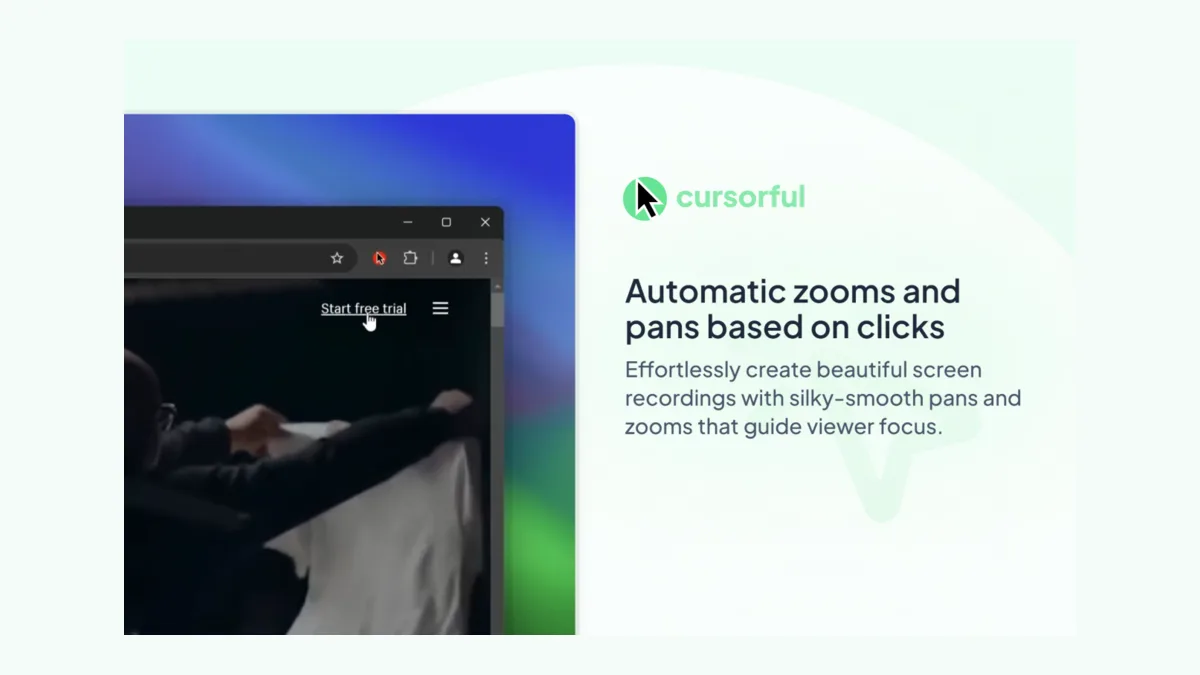
Among free Screen Studio alternatives, Cursorful offers automatic zoom and pan, editable timing, multiple aspect ratios, backgrounds, and local rendering. Its free plan is for non-commercial browser recording. The current $79 Pro offer adds commercial use, desktop apps, camera, microphone, and 4K.
Choose it for a low-cost polished clip. MagniCursor differs by generating editable steps and narration from captured actions.
3. FocuSee — best close desktop alternative for Windows
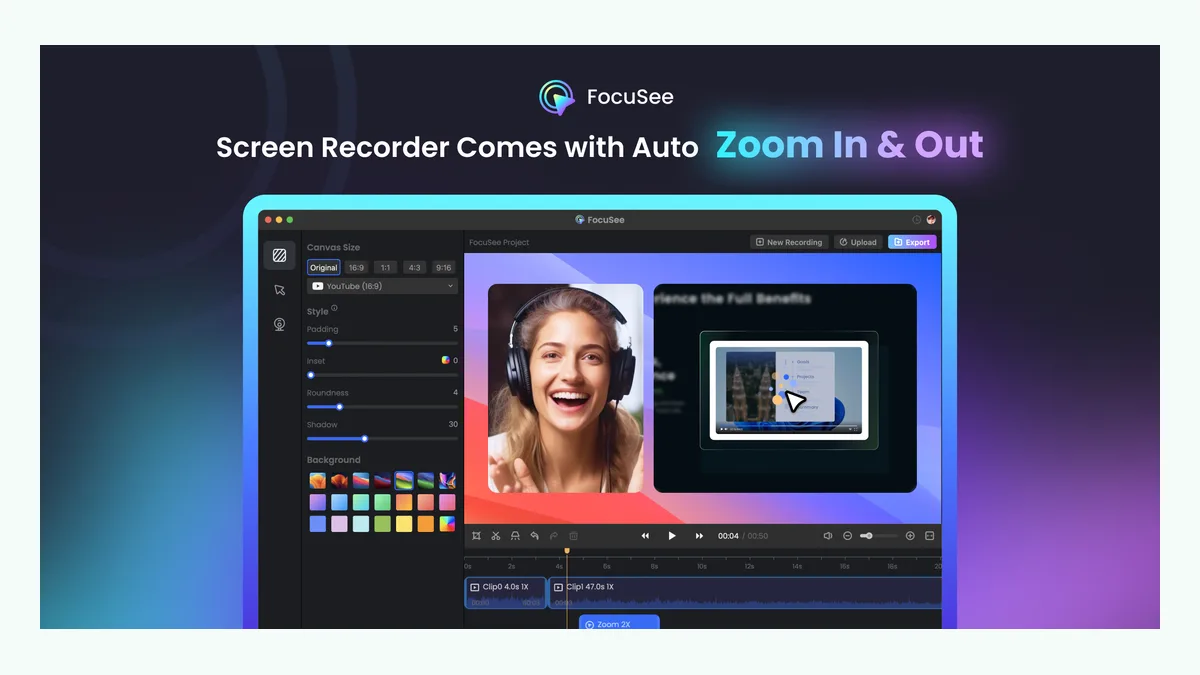
Among Screen Studio alternatives for Windows, FocuSee is a direct automated desktop editor. Its official feature table lists auto-zoom, cursor animation, annotations, privacy blur, camera layouts, subtitles, 4K, and 60fps exports.
The current plans start at $49.99 per year. Advanced is $79.99 yearly or $199.99 for lifetime access to version 2.x. Choose it for broad desktop capture, not open source or browser-derived written guides.
4. Tella — best for hosted sharing and collaboration
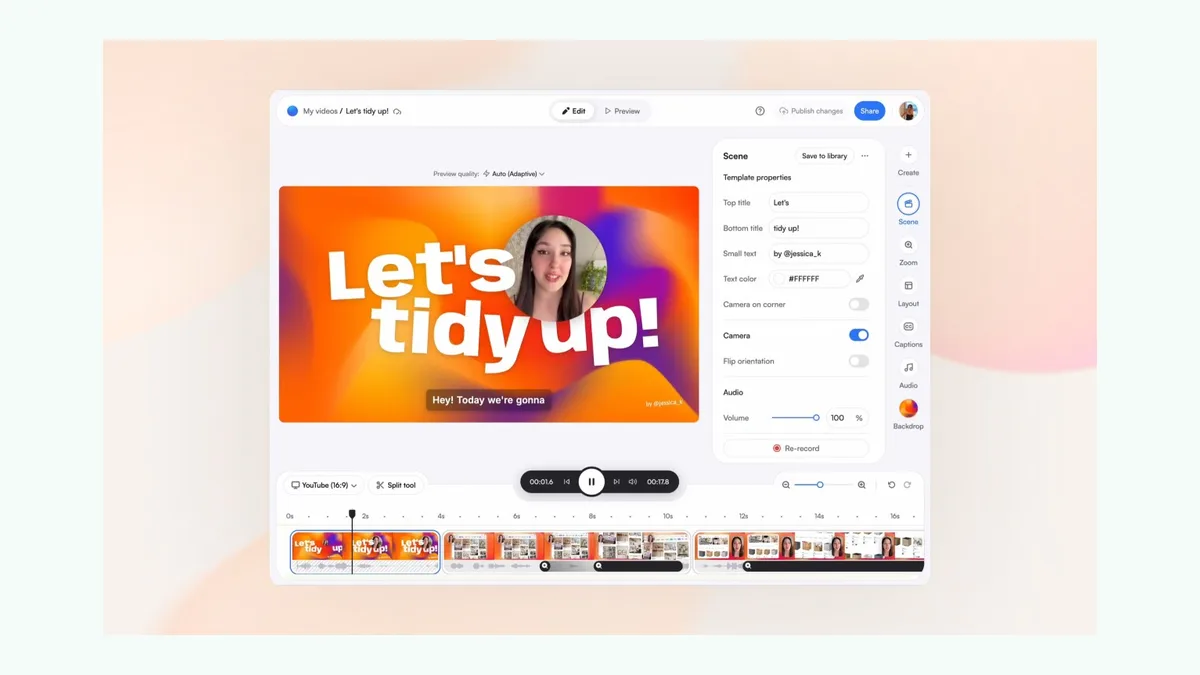
Tella combines screen and camera recording with timeline editing, layouts, transcription, subtitles, auto zoom, hosting, embeds, analytics, and collaboration. It works on the web, Chrome, Mac, and Windows.
Pro is currently listed at $13 monthly and Premium at $19. Choose Tella when viewing pages, analytics, and cloud collaboration matter more than local-only processing.
5. Screenity — best open-source Chrome recorder
Screenity’s Chrome recorder is free and open source. It records tabs, windows, desktop, camera, microphone, and system audio, with drawing, blur, cursor spotlight, and click capture. Its hosted editor adds scenes, automatic zoom, captions, layouts, and sharing.
The recorder remains free; the cloud editor is listed at $10 monthly when billed yearly. “Free recorder” does not mean every editing and sharing feature is free.
6. OBS Studio — best completely free desktop recorder
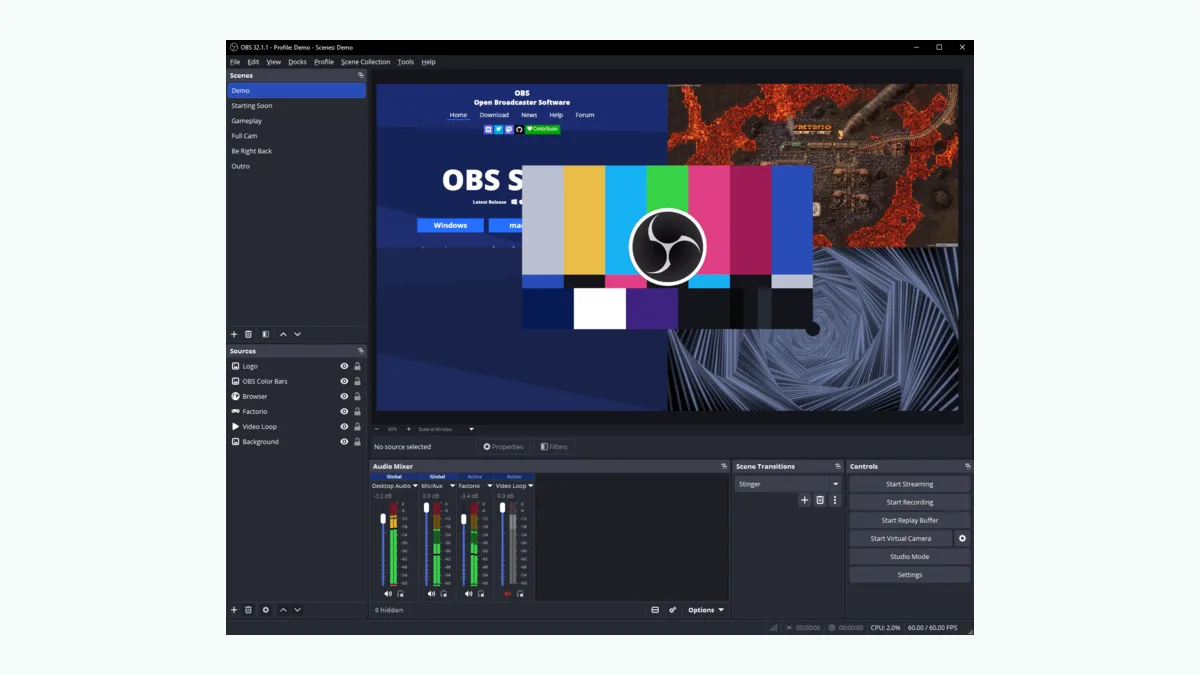
Among completely free Screen Studio alternatives, OBS Studio runs on Windows, macOS, and Linux. It provides scenes, transitions, audio mixing, hotkeys, plugins, and configurable formats.
Choose it for budget and production control. Reproducing automatic zooms, cursor smoothing, backgrounds, and fast social exports requires setup, plugins, or another editor.
Price comparison over three years
This calculation uses prices verified September 2, 2026, excluding taxes, promotions, add-ons, AI credits, and editing time.
| Product | Assumption | Three-year cost | Difference vs. Screen Studio |
|---|---|---|---|
| Screen Studio | $108/year | $324 | — |
| MagniCursor | $108/year | $324 | $0 |
| Cursorful Pro | $79 one-time offer | $79 | Save $245 |
| FocuSee Standard | $49.99/year | $149.97 | Save $174.03 |
| Tella Pro | $13 × 36 months | $468 | Costs $144 more |
| Screenity editor | $120/year | $360 | Costs $36 more |
| OBS Studio | Free | $0 | Save $324 |
The cheapest license is not always the cheapest workflow. MagniCursor costs the same as Screen Studio; its value depends on whether generated steps and narration remove a separate documentation task.
How to get started with MagniCursor
- Open the temporary demo. Use the current demo link while the MagniCursor Chrome Web Store listing is being prepared.
- Record the shortest successful browser workflow. Complete the task normally while MagniCursor captures the screen and meaningful actions. There is no fixed recording-duration limit, but shorter focused recordings are easier to review and export.
- Review and export. Adjust zooms, cursor emphasis, steps, narration, captions, and sensitive content. Export locally as video or GIF, or explicitly choose cloud sharing when you need a link.
Frequently asked questions
What is the best Screen Studio alternative?
MagniCursor fits browser workflows that need video plus editable steps. FocuSee is closer for Windows desktop recording, while Tella is stronger for hosted collaboration.
What is the best free Screen Studio alternative?
OBS Studio is the strongest completely free desktop recorder if you can configure it yourself. Cursorful and Screenity offer simpler free browser options with different limits.
Is there an open-source Screen Studio alternative?
OBS Studio is open source on Windows, macOS, and Linux. Screenity’s Chrome recorder is also open source, while its hosted editor is a separate paid product.
What is the best Screen Studio alternative for Mac?
Screen Studio remains a strong Mac-native choice. Consider MagniCursor for browser demos, FocuSee for desktop automation, or Tella for hosted collaboration.
What is the best Screen Studio alternative for Windows?
FocuSee is the closest Windows option for automatic desktop editing. MagniCursor suits browser workflows, while OBS Studio offers the most free production control.
Are there any good browser-based Screen Studio alternatives?
MagniCursor, Cursorful, Screenity, and Tella support browser-centered recording. Compare local processing, editing depth, written output, sharing, and commercial-use terms.
Related guides
- How to record your screen with automatic zoom
- How to turn a browser workflow into a step-by-step product demo
- Install or try MagniCursor
Bottom line
Choose Screen Studio if you use a Mac and want its mature native editor. Choose MagniCursor when the recording is a browser workflow and the written explanation matters as much as the video. Choose FocuSee for Windows desktop automation, Tella for hosted collaboration, Cursorful for an inexpensive browser-first workflow, Screenity for an open-source Chrome recorder, or OBS Studio for maximum control at no license cost.
The useful comparison is not “which product has the longest feature list?” It is “which product produces the deliverable you actually need with the least hidden editing, setup, privacy, and collaboration cost?”